
For iPhone · By Thought Garden Labs
Every photo,
in its garden.
Bloomit quietly sorts your camera roll, screenshots, links, and notes into gardens, right on your iPhone. Nothing to tag. Nothing to file. Just bloom it.
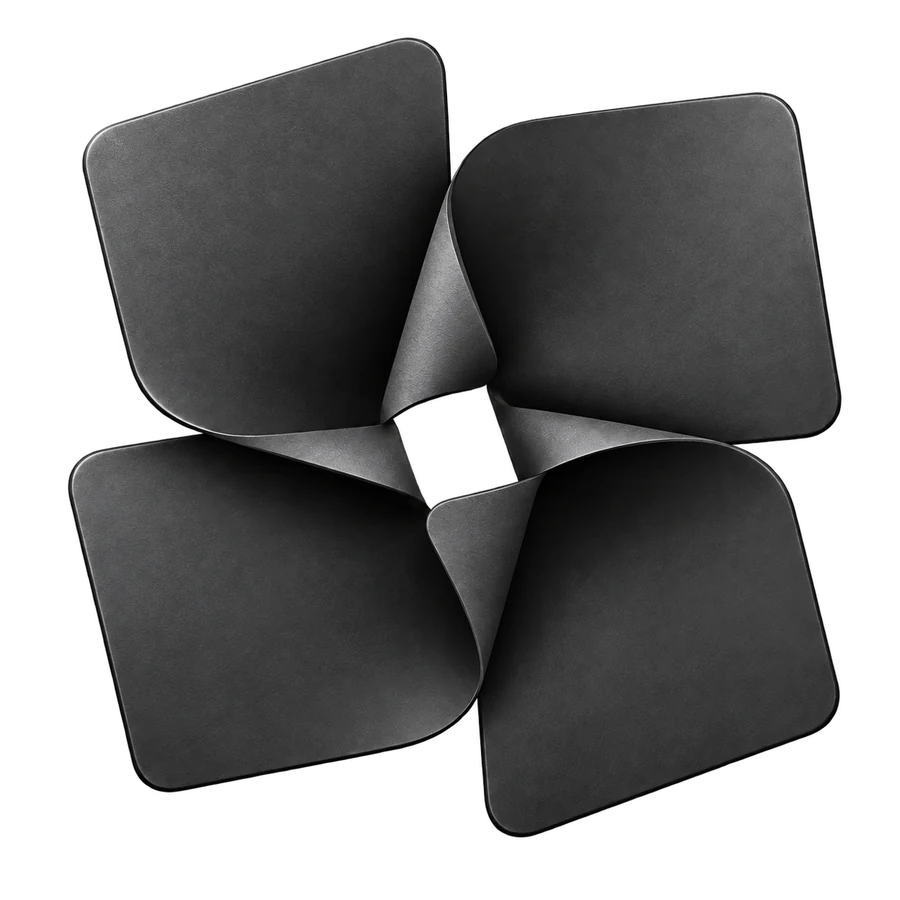
Your camera roll is where moments, recipes, receipts, and ideas go to disappear. Bloomit gives every one of them a place to grow.
What it does
A calmer camera roll.
Sorted as you shoot
Give Bloomit access to Photos and it files your camera roll into gardens. New photos and screenshots are caught up whenever you return, and in the background when iOS allows.
One photo, many gardens
A recipe screenshot can live in Food and To Read at once. If Bloomit guesses wrong, Move to… puts it right, and Bloomit remembers the correction.
Find the words in a picture
Search reads the words inside your screenshots, notes, labels, and links on your iPhone, so the thing you saved is a few letters away.
More than photos
Keep a note, a voice memo, a video, or a link beside your pictures. Voice memos are transcribed on your iPhone, never on a server.
Gardens
Choose a few.
Grow your own.
Begin with the starter gardens that fit your life, from Inspiration and To Read to Food and Family, then watch Bloomit sort your last thirty days of photos in front of you, on the device. Rename a garden, plant a new one, or ask Siri to open one.
How “Bloom it” works
Bloom it.
It is what you do when something is worth keeping. A link you will want later, a screenshot of a recipe, a photo you will not scroll past again. Did you Bloom it?
- I
Share
In Safari, Photos, or almost any app, tap Share and choose Bloomit. Up to twenty links, images, or notes at once.
- II
Bloom it
One tap. The sheet says “Bloomed,” and you are back where you were.
- III
It finds its garden
Next time you open Bloomit, each item is filed by its link, title, words, and source, ready in the right garden.
With Siri and Shortcuts
- “Bloom it in Bloomit”
- “Sort my photos in Bloomit”
- “Open Family in Bloomit”
Privacy
Private by design,
not by promise.
Your photos belong to you. Bloomit was built so the most personal part of your phone stays on it.
Sorted on your iPhone
Recognizing text, labels, and similar photos happens on the device. A photo sorted from your library is saved as a reference to that photo, not a copy of it.
Your library, untouched
Bloomit only reads. It never edits, moves, or deletes a photo, never indexes shared albums or your Hidden album, and does not read photo locations from your library.
No ads. No tracking.
There is no advertising, no tracking across apps, no third-party analytics, and we never sell your information. Optional usage counts are off until you turn them on.
Leave whenever you like
Export a copy of what you have saved, or delete your account from Settings. Deletion removes your saves, gardens, media, and profile.